For online stores · 48 apps work today
Connect. Analyze. Manage. Grow.
One place to run your online store: orders, ads, email, SEO and customer messages.
Nothing changes in your apps until you approve it.
- apps to connect
- 88
- apps to connect
- to-do list for all your apps
- 1
- to-do list for all your apps
- changes without your OK
- 0
- changes without your OK
 Shopify
 Meta Ads
 Gmail
 Zendesk
 Google Analytics
 Klaviyo
 Stripe
 Trustpilot
 Google Ads
Your to-do list · 3 things
Tote sells out tomorrow
Proposed: Pause its ads
3 parcels stuck in Germany
Proposed: Email customers
2 new 1-star reviews
Proposed: Draft replies
What your morning looks like
Each morning: yesterday's numbers, then what needs you first, from every app.
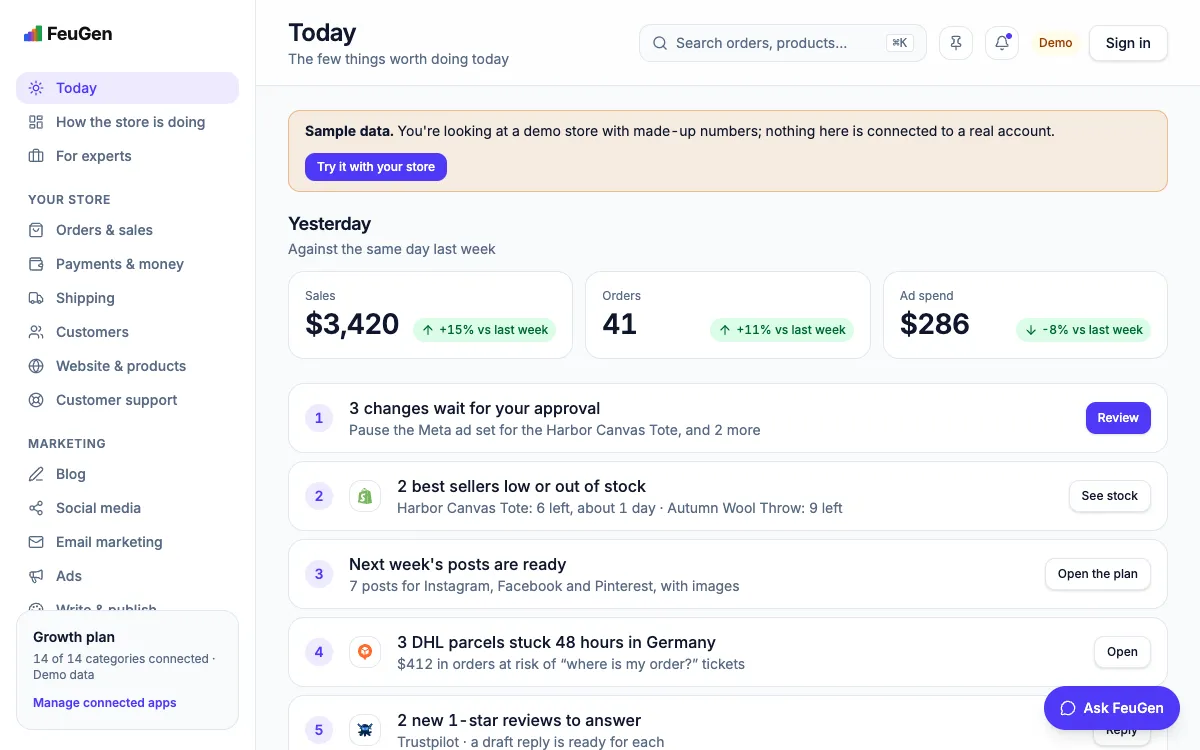
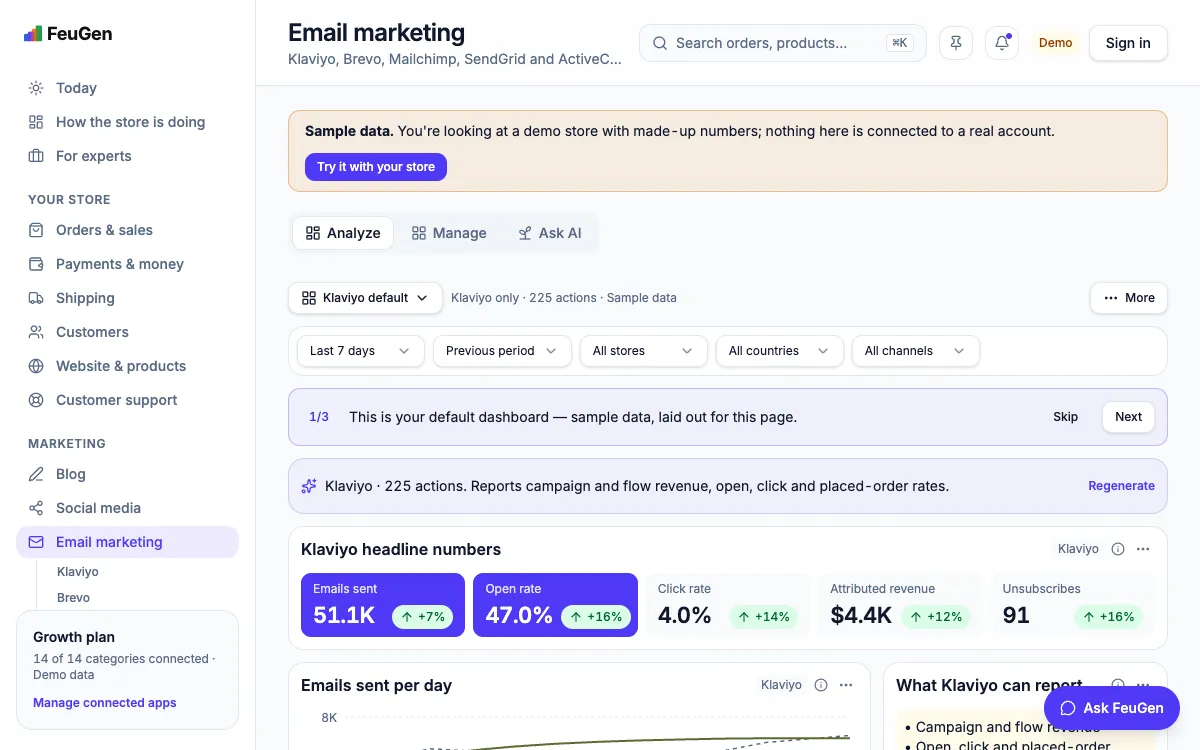
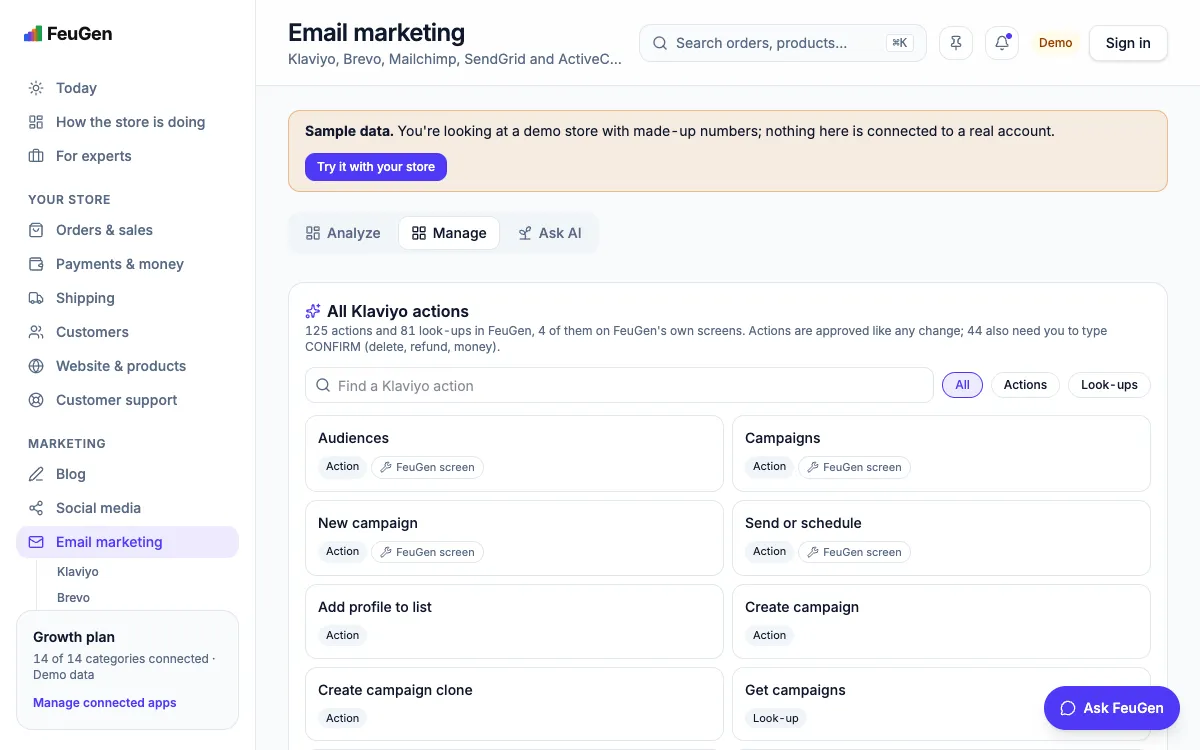
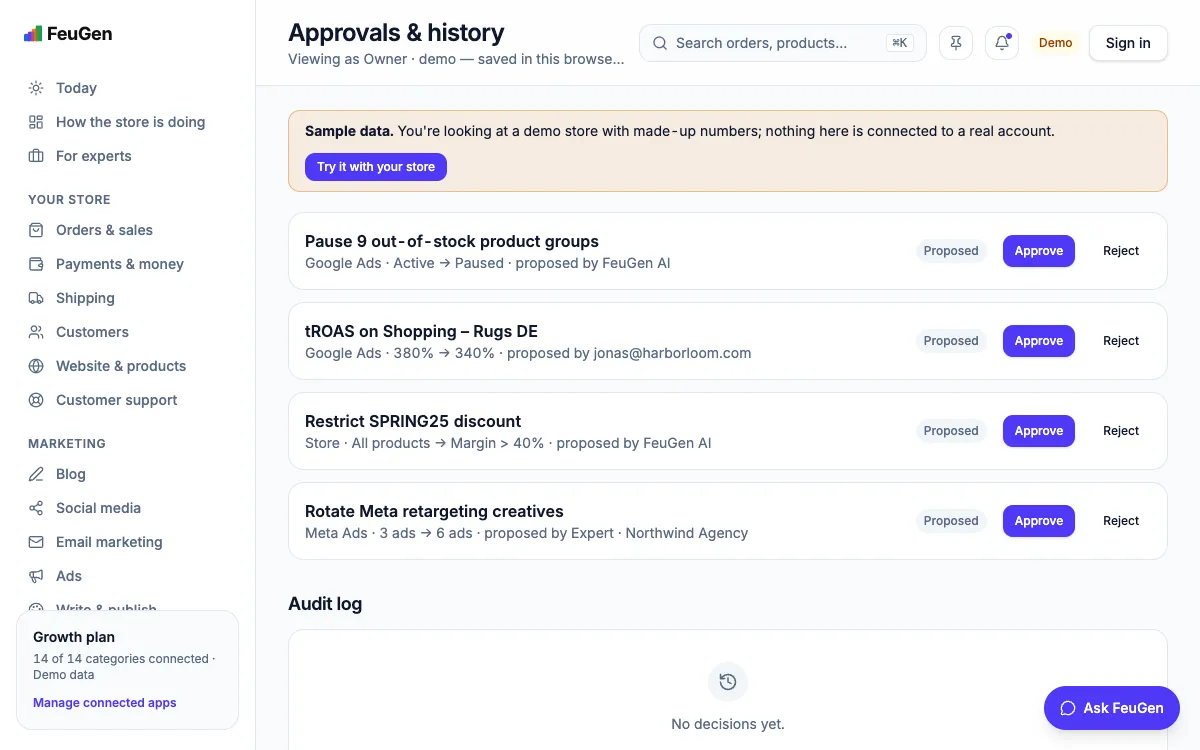
Real screens from FeuGen's demo store, with sample data.
Four steps, one place
Connect
Your store and the apps you already use. A few clicks each.
ShopifyMagentoGoogle AdsKlaviyoSee it in the demoAnalyze
One page each morning. Live numbers for every app.
TodaySalesVisitorsAdsSee it in the demoManage
Reply, post, pause an ad, change a price. You approve first.
ApprovalsBackupsUndoSee it in the demoGrow
A content plan with images, and ideas from your own numbers.
Content planAsk AIAgentsSee it in the demoNew in FeuGen
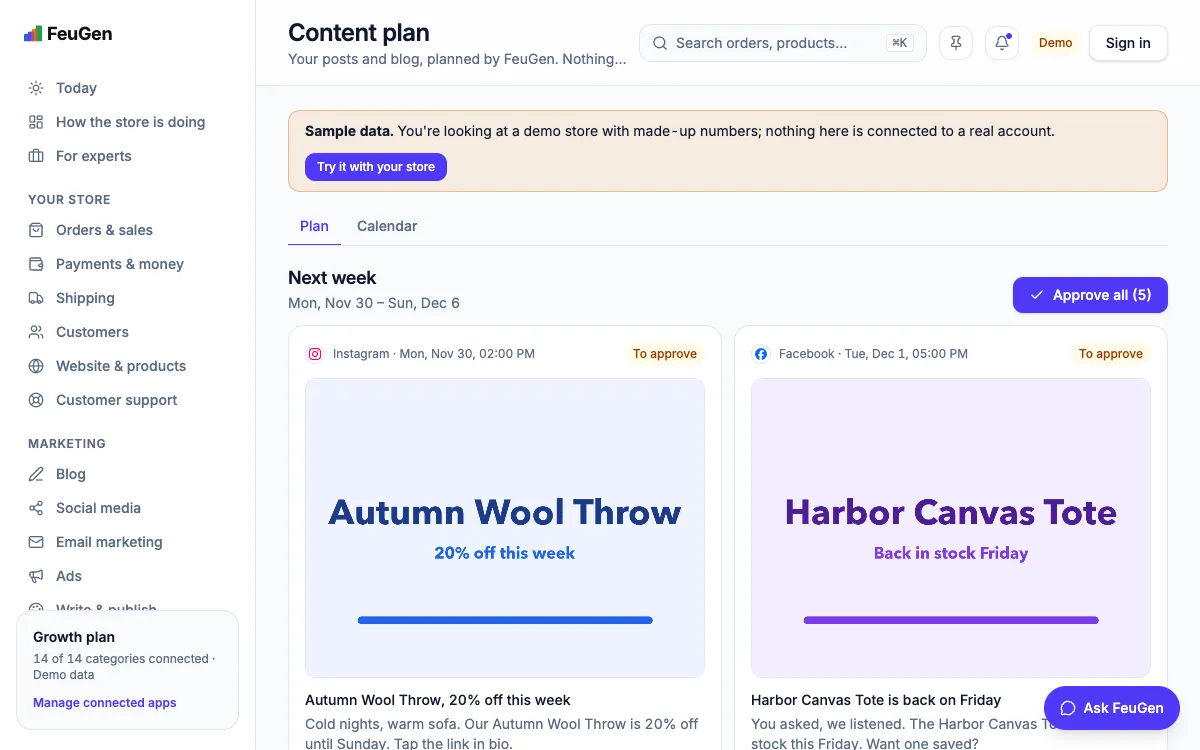
Content plan
Your posts for every week, written for you. Approve the week with one click.
Today
One page for what needs you, ranked by what matters most.



AI images and Reels
A picture for each post with your OpenAI key. Reels with Runway.
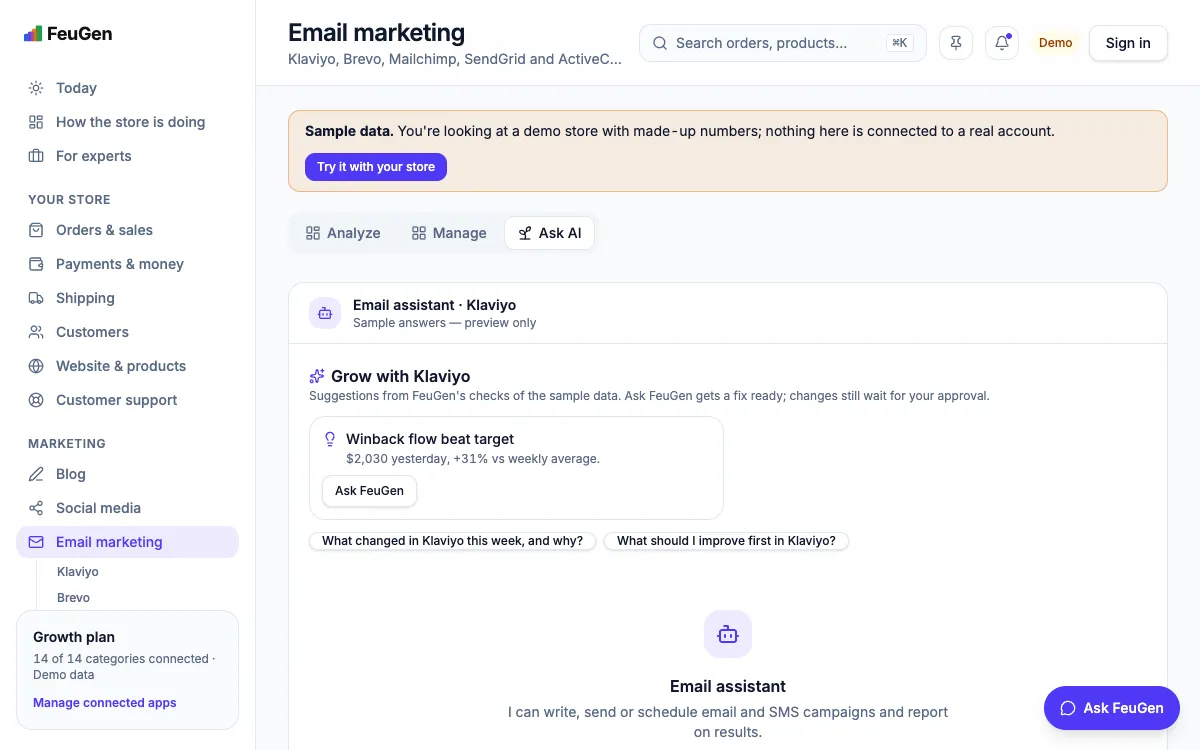
Ask AI
Ask about any connected app in plain words. It reads; you decide.
Agents
Six helpers watch your ads, store and posts. Off, Suggest or Act.
 Is the wool throw back in grey?
 Yes! Back on Friday. Shall I save one?Where is my order #1042?
Support inboxes
Zendesk, Messenger, Instagram and WhatsApp chats, with the order beside them.
Write once, post in many places
Your brief
New autumn collection
 Facebook postInstagram post or reel
 Pinterest PinEmail (Klaviyo, Mailchimp, Brevo)Customer replies (Zendesk, Gmail)
 Blog post (WordPress, Magento)Product descriptions
 LinkedIn post
 TikTok videoBeta
FeuGen writes it in your brand voice. You see it on one calendar. Nothing goes live until you approve.
Routines for common jobs
Routines are step-by-step checklists. Your team follows them, and FeuGen tracks what is done. When FeuGen spots a problem, it suggests the right routine.
New product launch
- 1Create the product in your store
- 2Write the description and SEO text in every language
- 3Create images from your Canva template
+5 more steps
Sell-out prevention
- 1Pause ads on that product
- 2Hide it from email suggestions
- 3Create a reorder task
+1 more steps
Late-delivery rescue
- 1Email the customer the tracking link
- 2Tag the support ticket
- 3Add a task to claim from the carrier
+1 more steps
Review recovery
- 1Draft a reply in your brand voice
- 2Create a support ticket
- 3If the order has a problem, suggest a refund or a replacement
Works with 48 apps today, and can connect to 33 more
 Magento / Adobe CommerceShopify
 BigCommerce
 WooCommerceWordPressGoogle Analytics
 Google Search Console
 Bing Webmaster
 Ahrefs
 DataForSEOGoogle AdsPinterest AdsMeta Ads
 Reddit AdsTikTok Ads
 Microsoft AdsFacebookInstagramPinterest
 YouTubeLinkedIn
 Reddit
 Google Merchant Center
 Microsoft Clarity
 ShipEngineZendesk
 Zoho SalesIQGmailStripeKlaviyo
 Brevo
 Mailchimp
 ActiveCampaign
 MailBlusterWhatsApp QR
 Canva
 Runway
 HeyGen
 Figma
 Google Drive
 Google Tasks
 Google Calendar
 Google Sheets
 Google Docs
 OneDrive
 Dropbox
You stay in control
You approve every change
FeuGen, the AI and your staff only suggest. An owner or admin says yes.
CONFIRM for big ones
Deletes, refunds, budgets and messages need you to type CONFIRM, under a money limit you set.
A backup first
FeuGen saves a copy in FeuGen and your Google Drive. Put back any of the last 5.
Plans and prices
Questions people ask
Does FeuGen replace my tools?
No. FeuGen connects to your apps and works inside them. Posts go out on your Facebook, Instagram and Pinterest. Replies go out through your Zendesk or Gmail. Ad changes happen in your Google Ads account.
Will it publish or spend without asking?
No. FeuGen and your staff can only suggest changes. An owner or admin approves each one. Every change is recorded.
Can it write in my brand's voice and languages?
Yes. Set your brand voice once. The AI then writes in it, in the language you ask for. Every plan includes AI. Or you can use your own Claude, OpenAI or Gemini account for unlimited use.
What if a connection breaks?
It shows at the top of your to-do list, with steps to connect it again. Changes planned for that app wait and show as failed. Then you can try again.
Can I try it first?
Yes. Open the demo to look around with sample data. Or start a free 3-day trial and connect your own store.